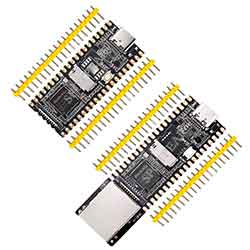
- sales/support
Google Chat:---
- sales
+86-0755-88291180
- sales01
sales@spotpear.com
- sales02
dragon_manager@163.com
- support
tech-support@spotpear.com
- CEO-Complaints
zhoujie@spotpear.com
- Only Tech-Support
WhatsApp:13246739196
- Purchase/Shipping/Refund
WhatsApp:13424403025
- HOME
- >
- ARTICLES
- >
- LuckFox
- >
- LuckFox Pico
Luckfox Pico RV1103【Kernel compilation】
Compilation environment:Windows11+WSL2-ubuntu_22.04-LST
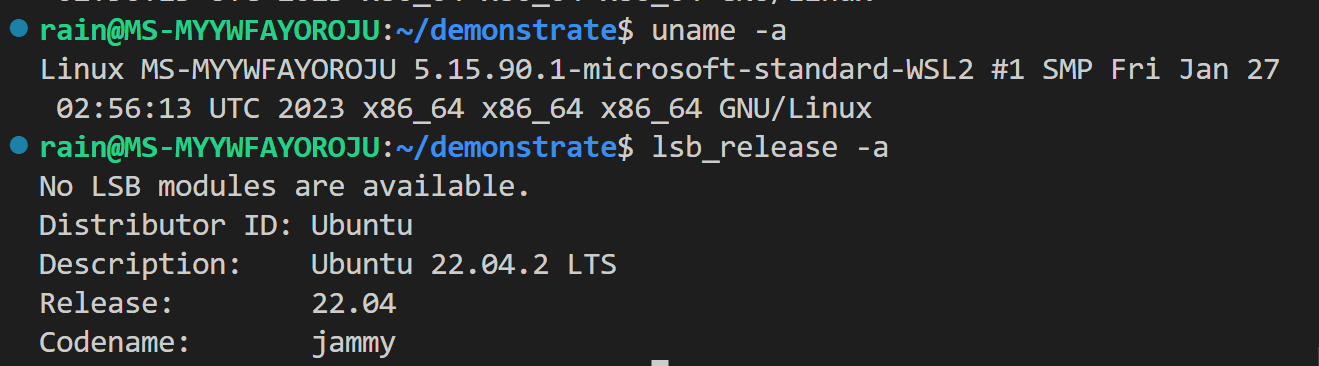
1] Download the official SDK:
Enter the following command in Ubuntu:
sudo git clone https://github.com/LuckfoxTECH/luckfox-pico.git
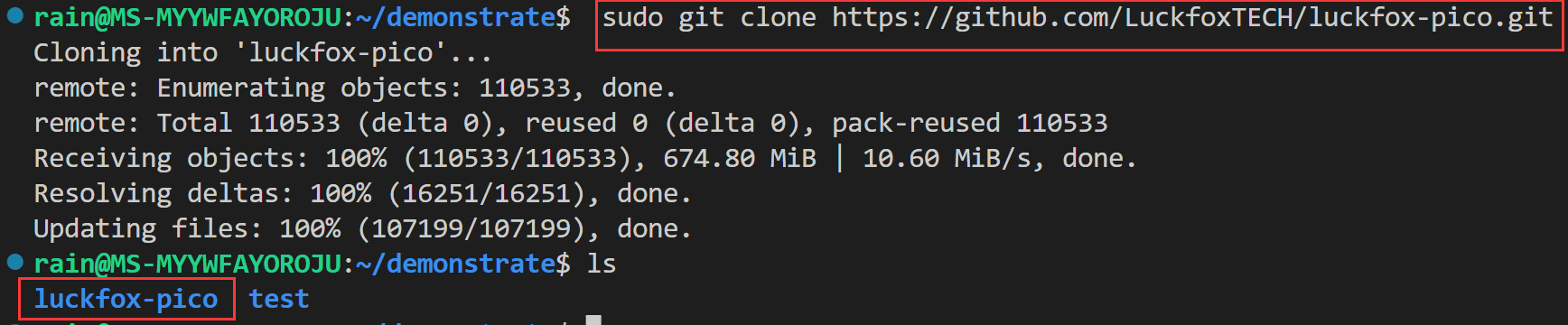
After downloading, enter the command “cd ./luckfox-pico” to enter the luckfox-pico folder;
2] One-click automatic compilation:
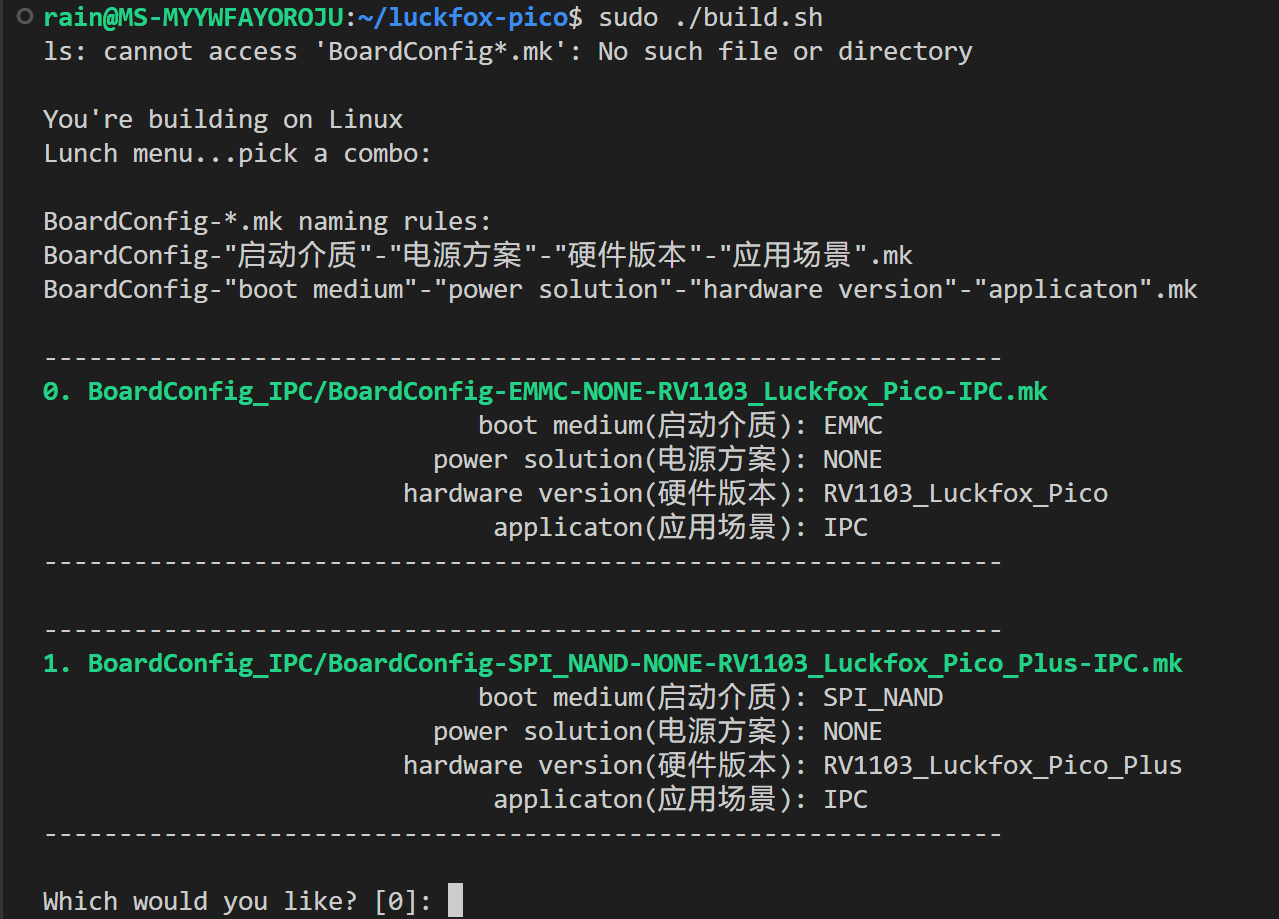
Selecting 0 will compile pico-related images;
Selecting 1 will compile pico-plus related images.;

When you see something like “succeeded,” it means the compilation was successful.
Please enter the “image” folder by typing “cd ./luckfox-pico/output/image” and check the compiled image files

This means that the kernel compilation is completed.
3] Verify the compiled image file:
The simplest and most effective way to verify is to flash the image file onto the pico or pico-plus development board. For specific flashing instructions, please click on the following link to view.
Burn the image onto the TF card & (Plus)Burn the image into the onboard flash
FAQ:The following errors may occur during the compilation process: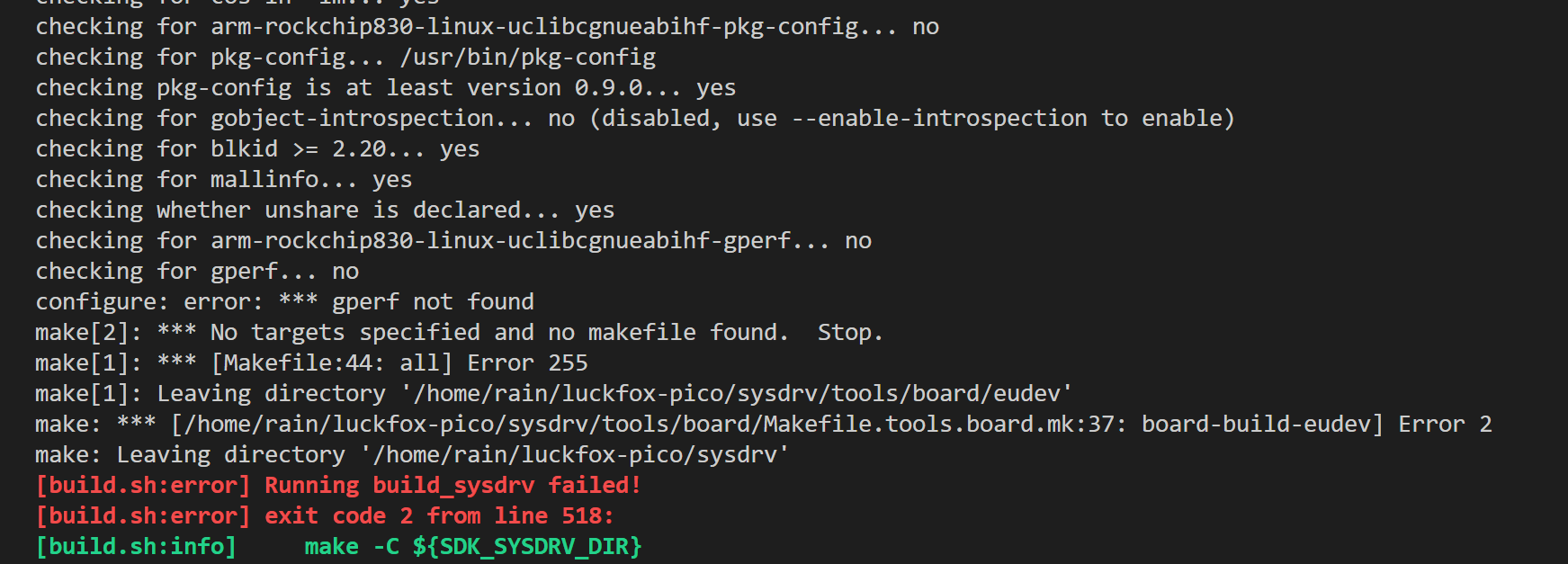
According to the provided error message, the error “configure: error: * gperf not found” occurred during the compilation process.
This is because the gperf tool is missing.
To install the gperf tool, run the following command in the terminal:
sudo apt-get install gperf
This will solve the problem.
Other:In addition to “one-click automatic compilation,” you can also compile image files for different modules.:(For example: compiling U-Boot, kernel, rootfs, media, compiling reference applications, firmware packaging)
Please refer to the official SDK's README document for specific operation procedures.
luckfox-pico/project/readme_cn.txt at main · LuckfoxTECH/luckfox-pico (github.com)
luckfox-pico/project/readme_en.txt at main · LuckfoxTECH/luckfox-pico (github.com)