



- sales/support
Google Chat: zj734465502@gmail.com
- sales
+86-0755-88291180
- sales01
sales@spotpear.com
- sales02
dragon_manager@163.com
- support
tech-support@spotpear.com
- CEO-Complaints
zhoujie@spotpear.com
- sales/support
WhatsApp:13246739196
Pico-Get-Start-Windows
Windows Environment Setting Tutorial
- This tutorial is applicable to the Raspberry Pi Pico and the RP2040 series development board developed by our company.
- The default development environment is Windows for example (the Raspberry Pi can be installed with the official installation script).
C/C++ SDK
You need to install the corresponding toolchain are:
- Arm GNU Toolchain (You need to install the corresponding version, such as Windows needs to install the file with the suffix -arm-none-eabi.exe.)
- CMake
- Visual Studio 2022
- Python 3.10
- Git
- Also, we have packaged the installation package and uploaded it to our server.
- You can click here to download the installation package.
How to Install
Arm GNU Toolchain
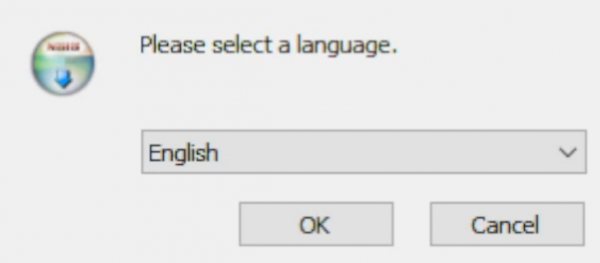
- Select language.
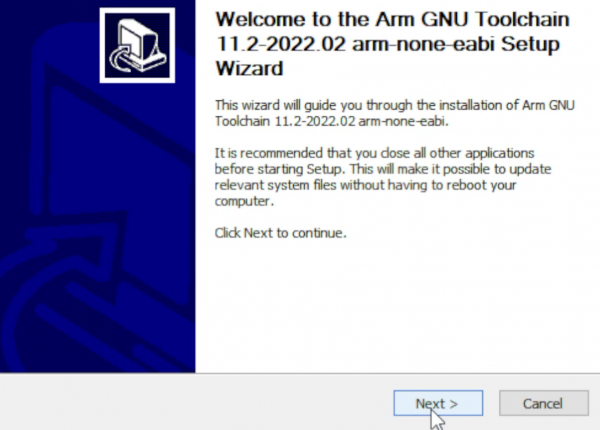
- Enter the installation wizard.
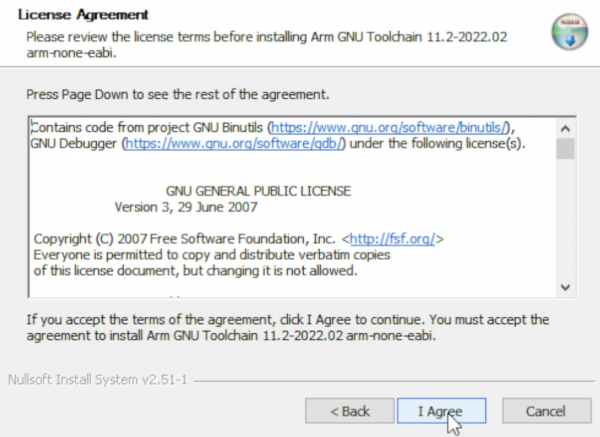
- Agree to the user agreement and continue.
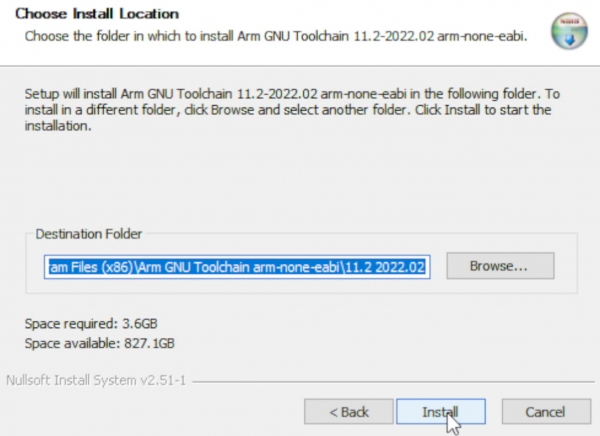
- Select the installation address.
- Wait for the installation to complete.
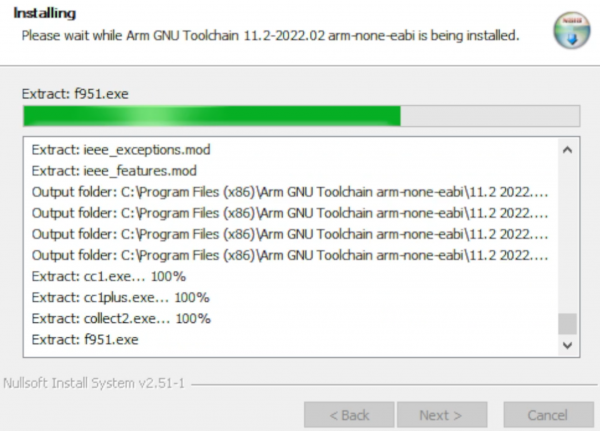
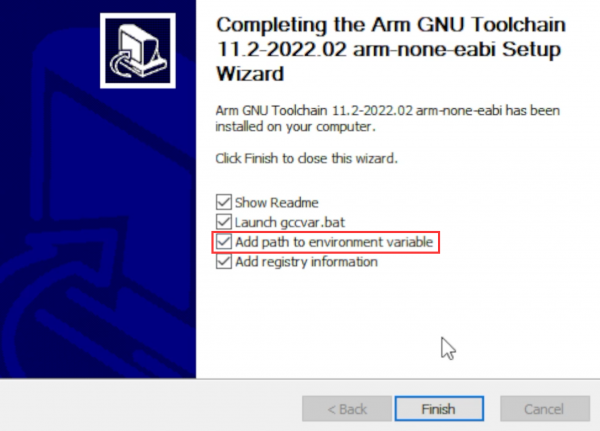
- Note: Check the option in the red box in the picture.
CMake
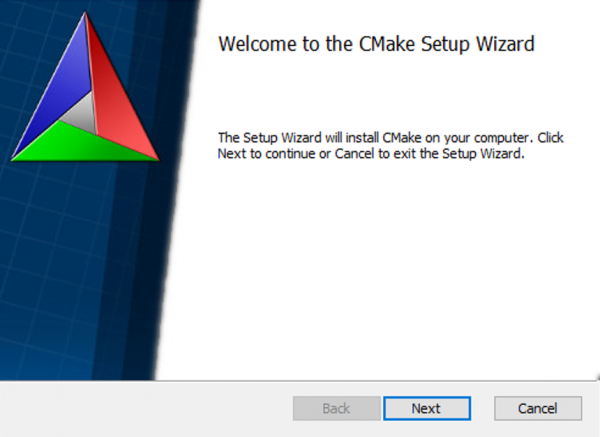
- Enter the installation wizard.
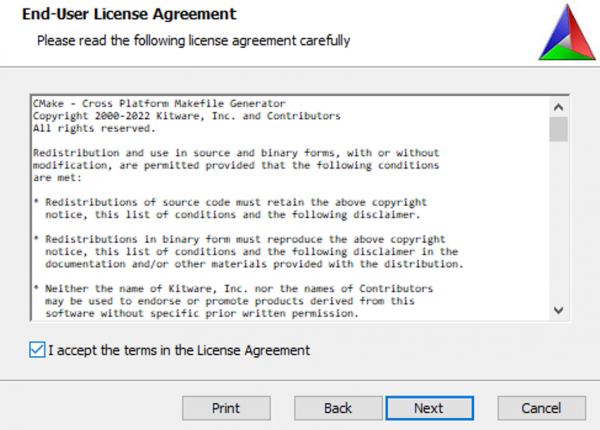
- Agree to the user agreement and continue.
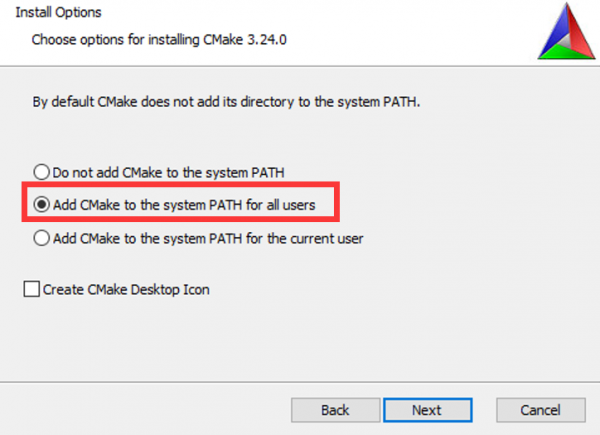
- Add CMake to the system PATH for all users.
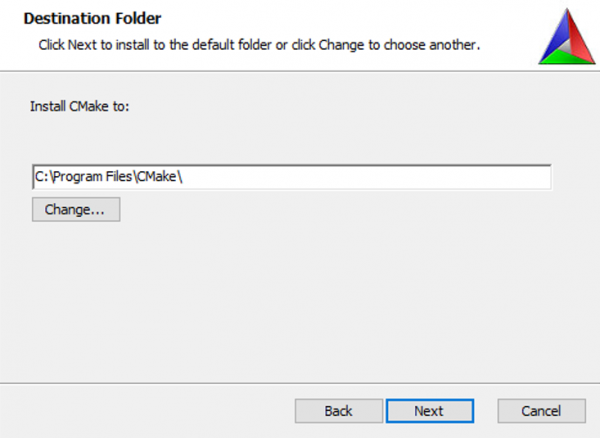
- Select the installation location.
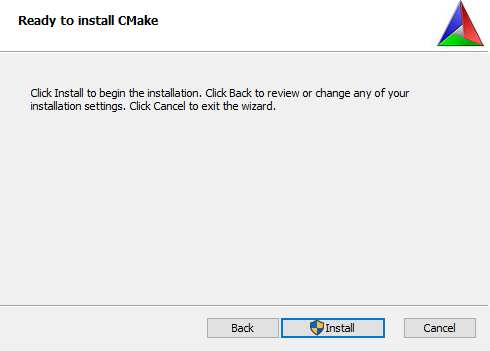
- Enter to install.
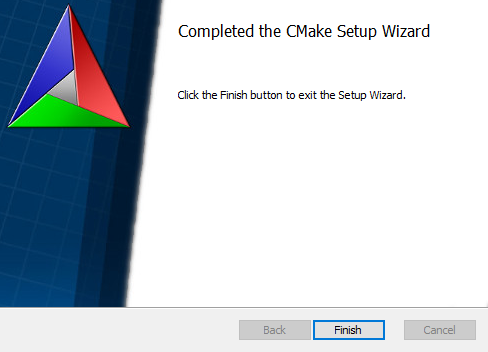
- Finish.
Python
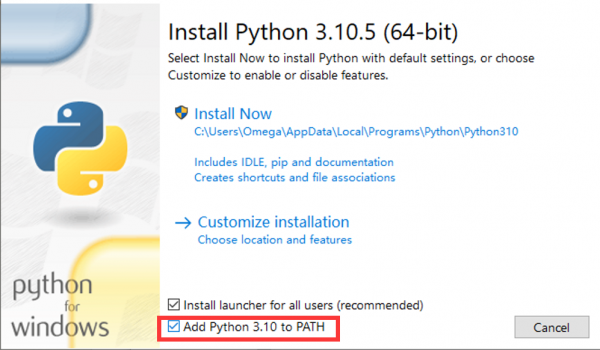
- Enter to install and check tp add PATH.
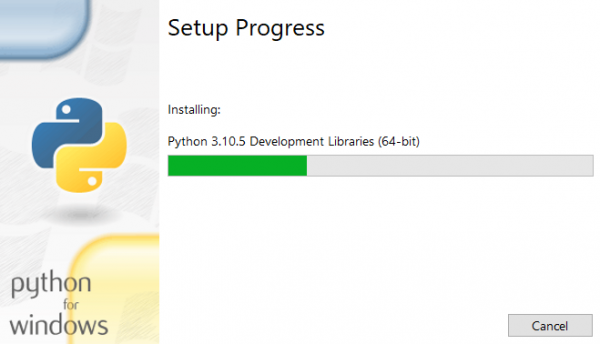
- Wait for installation.
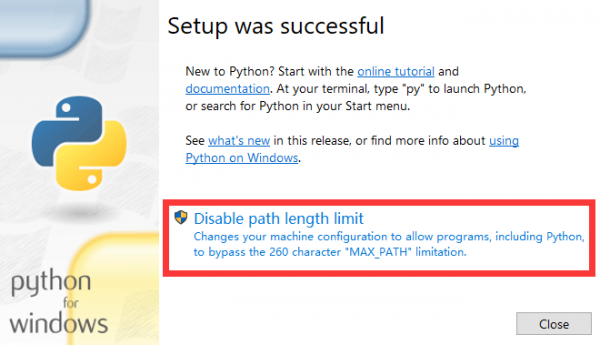
- Friends who have the options in the red box can click to disable the PATH length limit.
Git
- There are many installation options for Git and the length is relatively long. Here we only point out the recommended modification parts, and the default settings for the rest of the options are recommended.
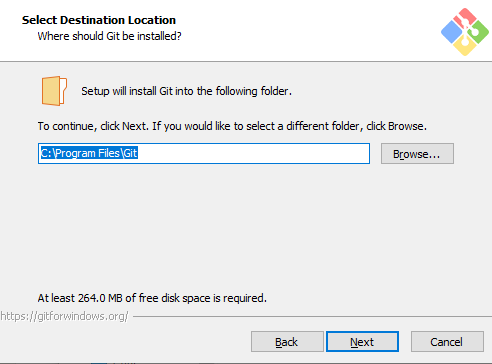
- Choose an installation location.
- Choose Git default editor (here I choose VS Code).
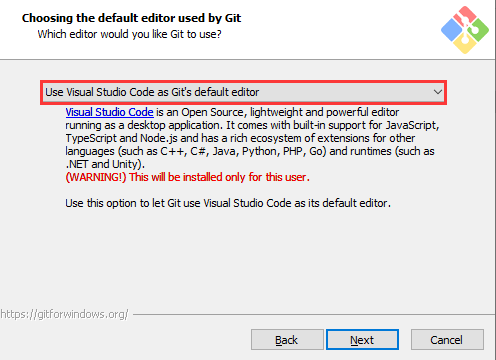
- Next, keep the default settings, select Next, and finally the installation is successful.
Visual Studio 2022
Visual Studio 2022 installation is very linear, just note the following one point.
When selecting a build tool, select the C++ tool in the figure: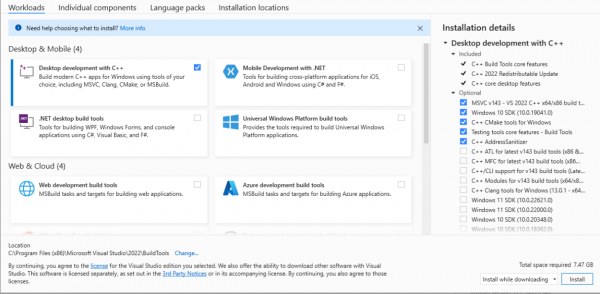
Get and Compile the Demo
Get SDK Demo
In the folder where you want to download the SDK, Shift + right click -> select "Open powershell here" and enter the command:
git clone -b master https://github.com/raspberrypi/pico-sdk.git
cd pico-sdk
git submodule update --init
cd ..
git clone -b master https://github.com/raspberrypi/pico-examples.git
Set the Environment and Compile
- Open your VS 2022 -> Tools -> Command Line -> Developer PowerShell.
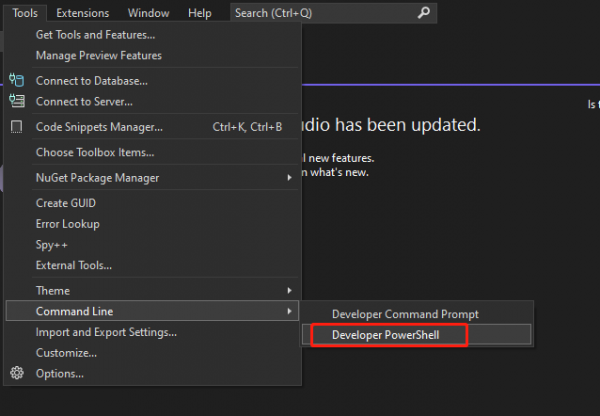
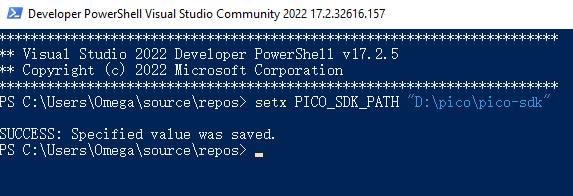
- Set the absolute address of your pico-sdk to PICO_SDK_PATH, for example, my pico-sdk address is "D:\pico\pico-sdk".
- Jump to the folder where pico-examples is located, create a build folder and compile.
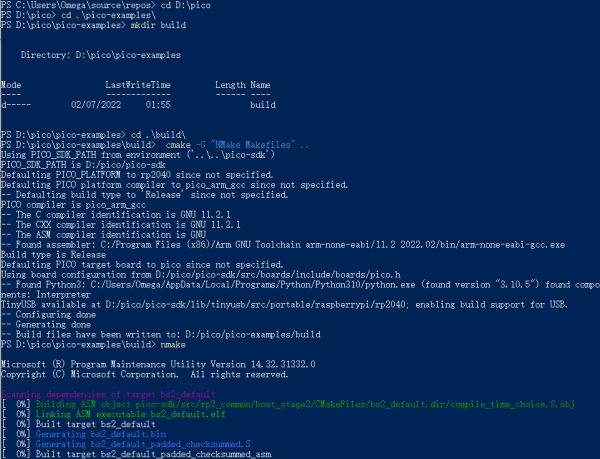
- Just wait for the compilation to complete (note that all demos are compiled here, so the compilation time is a bit long).

- The following are all instructions:
setx PICO_SDK_PATH "..\..\pico-sdk"
cd pico-examples
mkdir build
cd build
cmake -G "NMake Makefiles" ..
nmake
Download the Firmware
Select the demo firmware you need to download, and drag it into the memory simulated by pico:
TAG:
4inch Round LCD HDMI Capacitive Touchscreen Display 720x720 For Raspberry Pi/Jetson Nano/mini PC
MAX9296 GMSL Camera Adapter Board 2-Ch High-Speed And Low-Latency Transmission For Jetson Orin Nano/NX
NanoKVM-USB-Development
Raspberry Pi Pico 1.14inch LCD
Bevelopment Board
NVIDIA Jetson TX2 NX Module
UGV Rover PT AI OpenCV Robot Car MediaPipe For Raspberry Pi
Raspberry Pi Compute Module 5 PoE BASE A IO Board RJ45 For CM5 Lite/eMMC
ESP32-S3 Development Board 1.85 inch Round LCD N16R8 DeepSeek AI Voice Chat Robot BOX Magnetic-charging
Raspberry Pi AI HAT+ Official Original Hailo-8/8L 13/26Tops For Pi5 PCIe M.2 Gen3
STLINK
UGV Beast PT AI 4G 5G OpenCV Robot Car MediaPipe For Raspberry Pi4B/5
ESP32-S3 1.28
Sipeed MaixCAM Pro AI Camera Kit SG2002 RISC-V YOLO OpenCV Audio WIFI6 Linux Board IMU MicroPhone Speaker
Raspberry Pi 5 AI kit Hailo8 26Tops PCIe to M.2 NVMe HAT Plus For Pi5
Raspberry Pi display
ESP32 S3 Development Board 1.91 inch AMOLED Display Screen For Arduino LVGL With SD-Port/ QMI8658C 6-Axis Sensor
Arduino-check-library-path
Milk V Duo
Jetson Orin NX Case
TAG:
Raspberry Pi Camera
Raspberry Pi 5 Active Cooler Argon Thrml Pi5 30mm Fan Heatsink
ESP32-S3 ETH Camera PoE OV2640 OV5640
CV1800B
MINI linux board
ESP32-H2 Zigbee
7inch Monitor Display
Raspberry Pi Camera Module 2MP IMX290 Distortion Free Excellent Low Light Performance
Industrial USB TO 8CH RS485 Isolated Converter
Jetson Orin NX
Raspberry Pi
Flipper Zero ESP32S2 WiFi Dev Board official
RS232 to RS485
Luckfox Lyra Pi RK3506
Linux Board
Autofocus Camera
ESP32 1.44inch LCD
USB camera 2MP SC2210 Starlight Level Camera USB 2.0 plug and play
Industrial Isolated USB TO 4CH RS485 BConverter UART CH344L
Raspberry Pi 5 ABS Case