- sales/support
Google Chat:---
- sales
+86-0755-88291180
- sales01
sales@spotpear.com
- sales02
dragon_manager@163.com
- support
tech-support@spotpear.com
- CEO-Complaints
zhoujie@spotpear.com
- Only Tech-Support
WhatsApp:13246739196
- Purchase/Shipping/Refund
WhatsApp:13424403025
- HOME
- >
- ARTICLES
- >
- Common Moudle
- >
- LCD
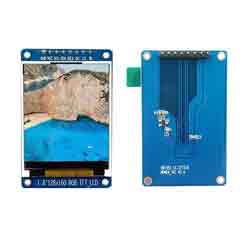
1.8inch TFT LCD User Guide
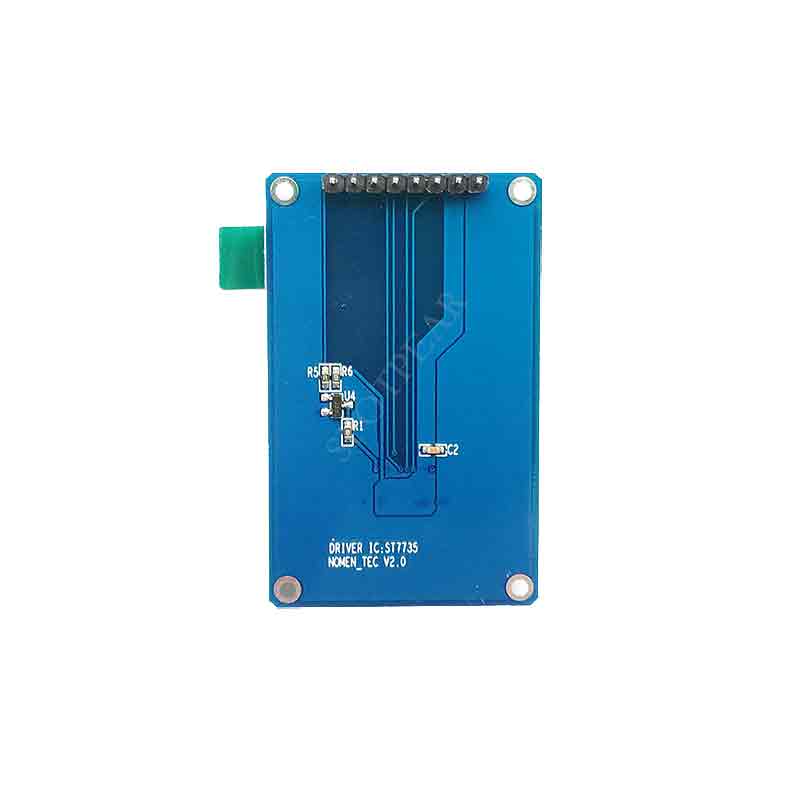
1.8inch TFT LCD 128X160 (st7735S)
- LuatOS Code:LuatOS
The file corresponding to the upper script package is:
\script\demo\ui\color_standard_spi_st7735.lua Used with SPI bus
\script\demo\ui\color_lcd_spi_st7735.lua Used with LCD bus
- M_TFT_LCD_128X160_8P Module hardware design manual.pdf
- 1.8寸TFT-LCD_128X160 Hardware schematic diagram.pdf
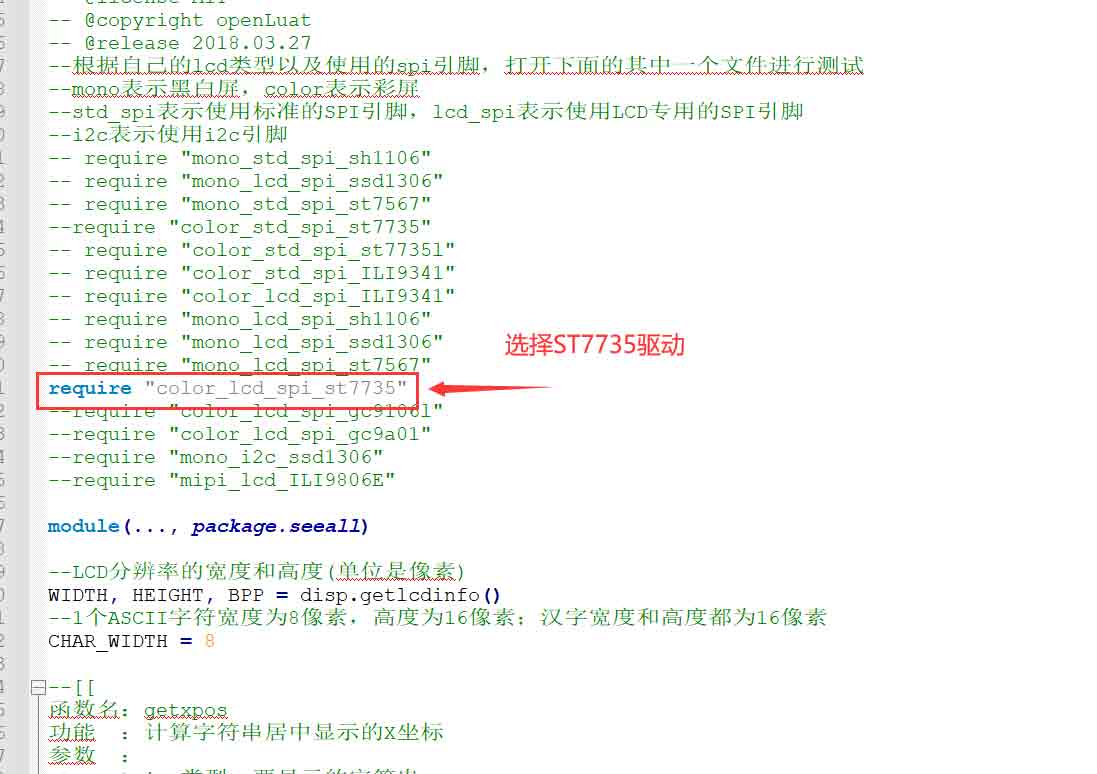
Select ST7735 driver in lcd.lua
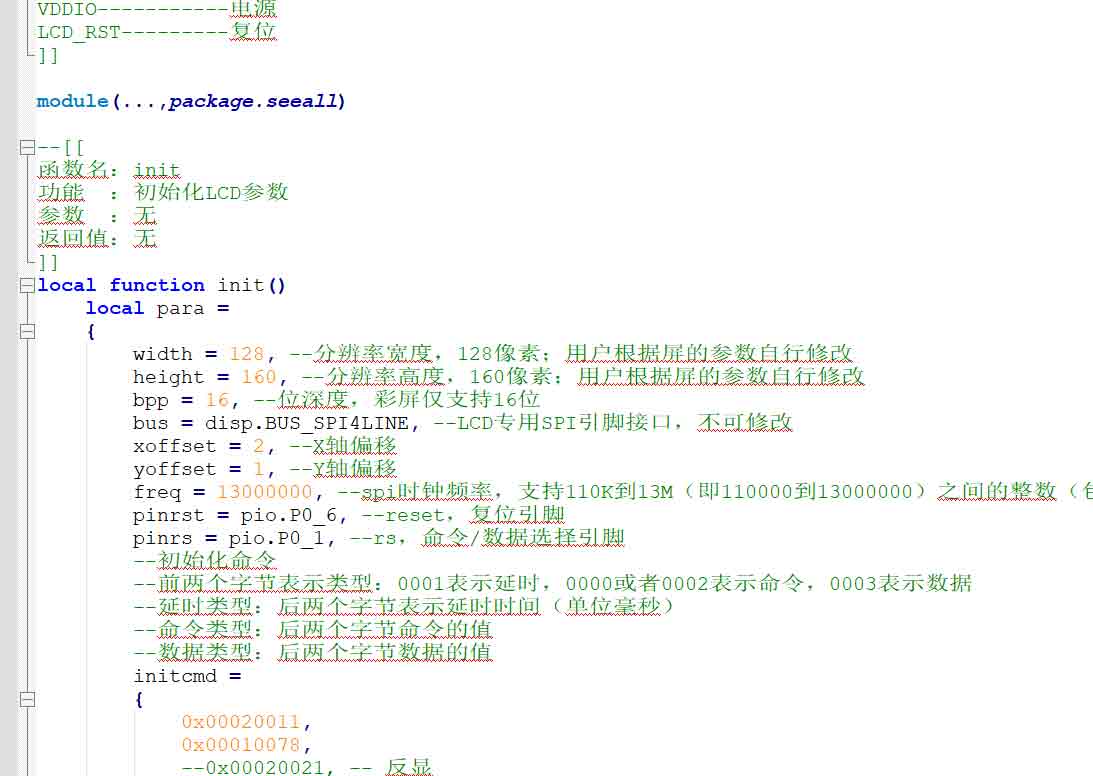
Color_standard_spi_st7735.lua is the screen parameter configuration file.
STM32 code:
ST7735_1.8LCD.zipModule reference size
m_lcd_128x160_st7735.pdf
m_lcd_128x160_st7735.dwg
FAQ
White edges appear on the screen, which is mainly caused by different batches of screens, such as V1.1 version of M_TFT_LCD_128X160_8P module, and the screen driver is actually ST7735S.
1. Development and presentation using Hezhou communication module and lua's demo are shown as follows:
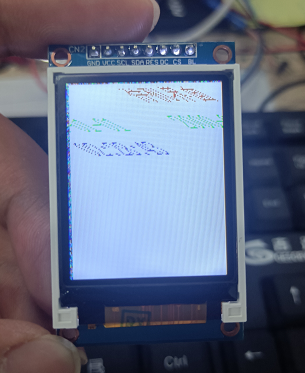
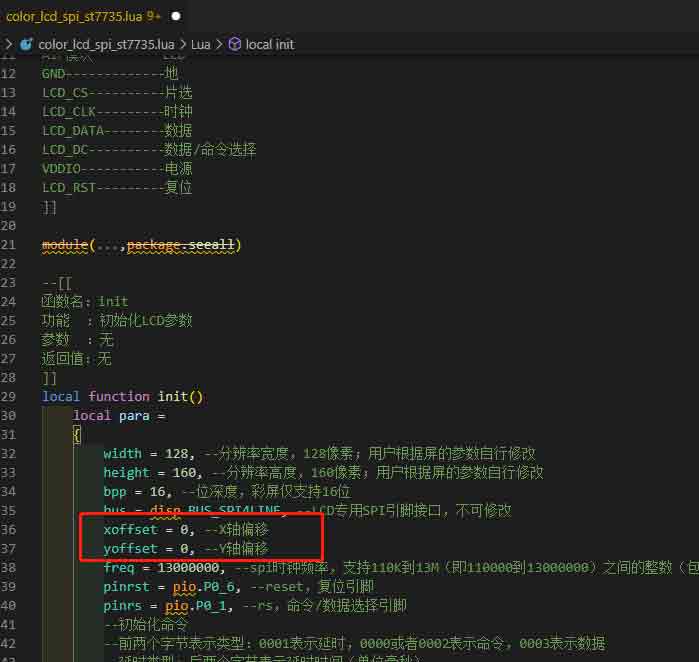
Modify the axis offset parameter in the color_lcd_spi_st7735.lua script file and set the offset to 0, as shown in the following figure.
2. A white edge appears when the demo of STM32 is burned in, as shown in the figure below:
Modify the LCD_Address_Set function of lcd_init.c so that x1, y1, x2 and y2 can be displayed normally without adding or subtracting any numbers, as shown below: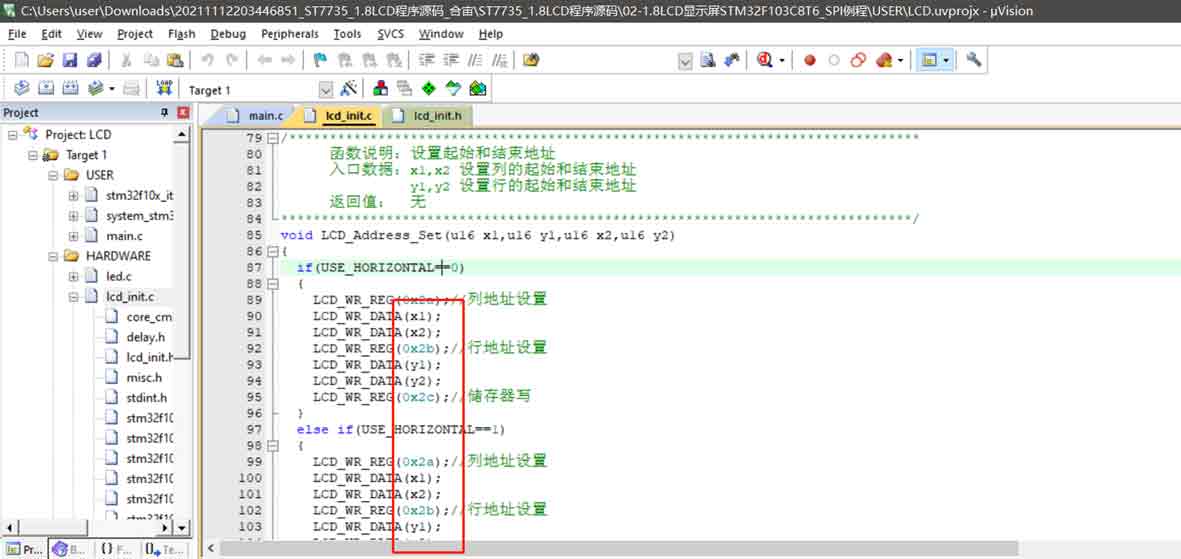
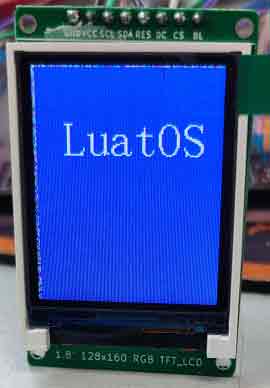
Display effect after modification: